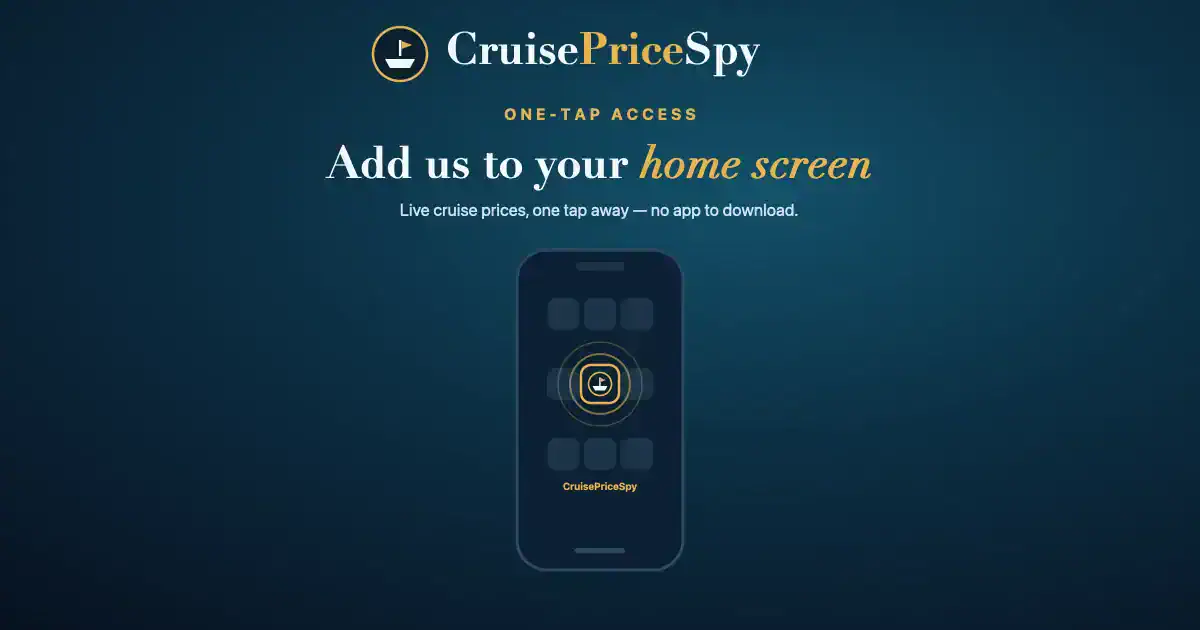
Cruise prices change all the time, so the people who bag the best deals are the ones who check often. The easiest way to do that?
Add CruisePriceSpy to your phone’s home screen — then it’s just one tap away, like an app, with no download and nothing to install.
It takes about ten seconds. Here’s how on both iPhone and Android.
On iPhone or iPad (Safari)
- Open cruisepricespy.com in Safari (this won’t work in Chrome on iPhone).
- Tap the Share button — the square with an arrow pointing up, at the bottom of the screen.
- Scroll down the list and tap Add to Home Screen.
- Tap Add in the top-right corner.
Our gold anchor icon will appear on your home screen. Tap it any time to jump straight to live cruise prices.
On Android (Chrome)
- Open cruisepricespy.com in Chrome.
- Tap the three-dot menu in the top-right corner.
- Tap Add to Home screen (it may say Install app).
- Tap Add (or Install) to confirm.
The CruisePriceSpy icon will drop onto your home screen, ready whenever you are.
Why bother?
- One-tap access — no typing the address or hunting through bookmarks.
- Spot price drops sooner — the best fares don’t last, so quick check-ins pay off.
- Feels like an app — but with nothing to download and no storage used.
Start spotting bargains
Now that we’re one tap away, put it to use: our free tracker shows live prices across Cunard, Royal Caribbean, Virgin Voyages and P&O, ranked by value with price-drop and lowest-yet flags. Check today’s cruise prices →
CruisePriceSpy is free to use. We only earn a small commission if you click through and book — at no extra cost to you.